

by Emmett Killeen; Director of Business Development, Doing Better Business
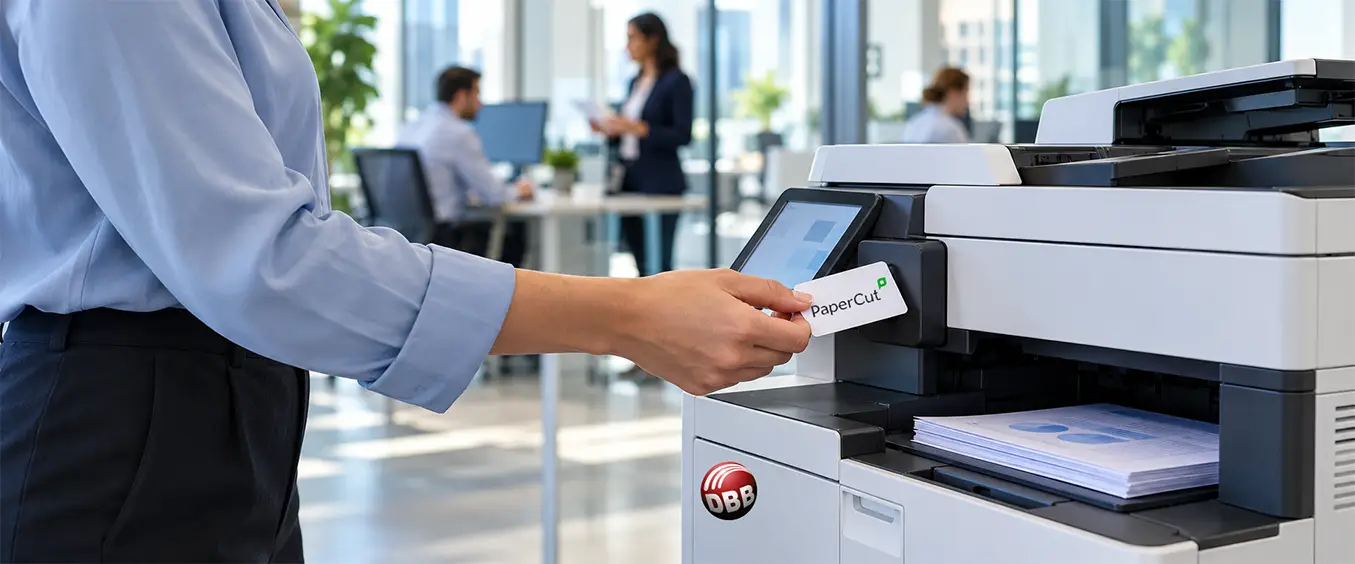
PaperCut print management helps businesses secure documents, understand printing activity, and reduce unnecessary output.
Think about the documents moving through your workplace. Are confidential pages sitting unattended in printer trays? Do employees struggle to collect print jobs when working at different locations? Can managers see how much each person is printing?
These are everyday business challenges—and reasons to take a closer look at how your organization manages printing.
At Doing Better Business, much of our PaperCut work has been with schools. But the needs that make print management valuable in education also exist in healthcare, government contracting, professional services, and other workplaces.
Two examples from our customers show how PaperCut can improve document workflows, strengthen oversight, and reduce unnecessary printing beyond the classroom.
A Government Contractor Improves Scanning and Print Visibility
One government contractor came to us with several needs. Employees could not scan to Microsoft OneDrive, the organization wanted tighter controls to address its government security requirements, and management needed reports showing how much each person was printing.
The solution needed to support employees’ daily work while giving administrators better oversight.
With PaperCut, employees gained the ability to scan documents to OneDrive. Authorized administrators gained visibility into individual print volumes, along with the ability to review printed documents when needed.
The primary reporting benefit was straightforward: management could see how much each person was printing. That information gave the organization a clearer picture of usage and a foundation for reviewing printing habits and policies.
This example shows why it is useful to evaluate printing and scanning together. Employees needed a reliable way to move paper documents into their digital workspace, while management needed better information about printed output. Both needs belonged in the same conversation.
A Medical Center Simplifies Secure Printing Across Locations
A medical center approached us with a different set of priorities.
It needed secure printing to support its HIPAA compliance efforts, badge authentication, and follow-me printing for employees who worked at multiple locations. It also wanted to reduce waste by deleting unneeded print jobs.
The resulting workflow allowed employees to authenticate with their badges and release their print jobs when they were ready to collect them. This helped reduce the chance of sensitive documents sitting unattended in an output tray.
For staff moving between locations, follow-me printing made it easier to retrieve documents where they were working. Employees gained a convenient process that supported more secure document handling.
Deleting unneeded jobs also reduced the cost of unnecessary printing. Documents that no longer needed to be printed did not have to become another stack of abandoned paper.
For this medical center, the benefits worked together: badge access helped secure print release, follow-me printing supported staff mobility, and job deletion reduced waste.
How PaperCut Print Management Helps Other Businesses
These customers had different priorities, but their challenges are familiar across many industries.
A law office may need better control over confidential client documents. An accounting practice may want clearer visibility into printing during its busiest months. A nonprofit may need to stretch its operating budget. A business with several offices may want printing to be easier for employees moving between locations.
PaperCut print management deserves consideration when your organization needs to:
- Improve document security. Hold print jobs until employees authenticate and release them at a supported device.
- Understand printing activity. See how much individuals are printing and use that information to guide decisions.
- Support employees across locations. Make collecting print jobs more convenient through a properly configured follow-me printing environment.
- Reduce unnecessary output. Prevent unneeded jobs from consuming paper, toner, and budget.
- Improve scanning workflows. Help employees move paper documents into digital destinations such as Microsoft OneDrive.
The right configuration depends on your equipment, IT environment, security requirements, and the way your employees work. You can explore PaperCut’s capabilities to see how its features address different workplace needs.
Start With the Printing Problem You Want to Solve
A useful print management conversation starts with your workflow.
Are sensitive documents left unattended? Can managers see where printing volume is coming from? Do employees struggle to retrieve jobs when they work at different locations? Are unneeded printouts creating avoidable costs?
Those answers help identify where improvements could make a difference.
The government contractor needed OneDrive scanning and greater visibility into individual printing activity. The medical center needed secure, convenient printing for staff working across locations, along with less waste.
Your organization may recognize those same needs—or have another document challenge worth exploring.
Talk with Doing Better Business about PaperCut to explore how better print management could support your team.

About the Author
Originally from County Wicklow, Ireland, Emmett Killeen has been with Doing Better Business since 2010. As Director of Business Development, he leads a team serving markets across Pennsylvania, Maryland, West Virginia, and Virginia, while managing several of DBB’s major accounts. Based near Harrisburg, PA, Emmett is also DBB’s resident PaperCut expert.